 Success-Plan Services
 Grayson Honan
Developing a distributed system often means answering deceptively simple questions: What is running on my network? Are my DataWriters and DataReaders communicating correctly? Is the data arriving with the values I expect?
For a DDS developer, answering those questions can require piecing together information from multiple tools and artifacts while understanding how each relates to the system as a whole.
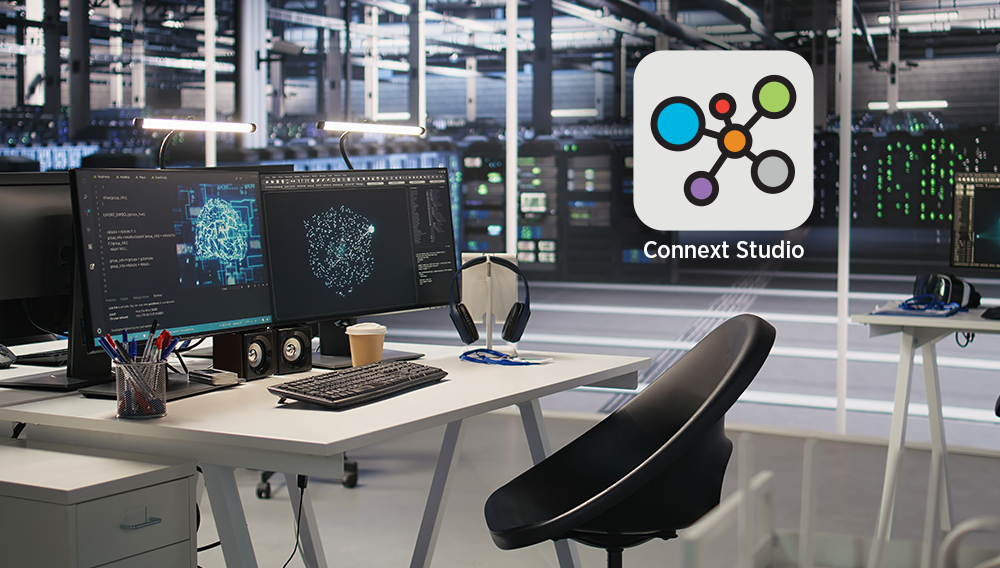
Connext Studio brings that system insight directly into Visual Studio Code and any OpenVSX-compatible IDE, such as Devin Desktop and Cursor.
Connext Studio is an experimental new development-time tool for inspecting, visualizing, analyzing, and debugging your DDS system, with AI capabilities that bring live system context into your agentic development workflow. At its core are two concepts: Data Sources and Views.
Build a Unified Picture of Your Distributed System
Data Sources provide information about your Connext system, which Connext Studio combines into an in-memory system model. Today, Connext Studio can build that model from:
- A live, running system or saved log file from RTI DDS Spy
- Remote debugging data exposed by the RTI Collector Service
- A discovery snapshot exported by RTI Administration Console
- Further data sources added in future Studio releases
Instead of treating each source as an isolated artifact, Connext Studio gives you a common model that you can explore from different perspectives.
The System Explorer provides a tree view of discovered Domains, Topics, Hosts, Applications, Domain Participants, DataWriters, DataReaders, and other DDS entities. Select an entity and the Object Property pane lets you inspect available details such as Quality of Service (QoS), type information, GUIDs, and other discovered metadata.
For a more visual perspective, several built-in System Views come with Connext Studio, like the System Block Diagram, which turns the topology into an interactive diagram. These Views have been hand-crafted by experts at RTI in order to make it much easier to understand and debug distributed systems.
Find Communication Problems Faster
Knowing what exists is only part of debugging. Developers also need to understand why something is not working.
Connext Studio helps surface communication issues directly in the system model. The Connext Problems pane identifies problems such as:
- Incompatible QoS
- Trust configuration issues
- Partition isolation
- DDS Security events
- Known vulnerabilities
Views like the System Block Diagram can also highlight matching problems graphically, helping you move from “these endpoints are not communicating” toward the configuration that explains why.
This is particularly useful for a common DDS debugging scenario: confirming that the system you actually launched matches the system you intended to configure.
Inspect and Visualize Your Application Data
Sometimes the question is not about DDS topology or configuration at all – it is about the data flowing through the system.
Connext Studio can subscribe to a Topic and display its samples as a table or time chart. That makes it easy to answer questions such as: Did my application publish the expected value? When did that value change? Is a signal behaving the way my test expects?
You can also create your own Views. With the optional Create View with AI capability, describe what you want in natural language – for example, “Create a table of the reliable DataWriters communicating with best-effort DataReaders” or “Plot the X-Y position of the Vehicle Topic on a fixed grid”. Connext Studio generates the View, saves it, and can run it again later against the current system.
The important part is not simply that AI generated the visualization. It is that developers can create analysis tailored to the question they are trying to answer on the fly.
Bring Connext Expertise Into your Development Workflow
Connext Studio also integrates with AI coding agents, including native support for GitHub Copilot Chat, and support for Cursor and Devin Desktop. Connext Studio brings Connext-specific expertise and runtime system context directly into the development workflow. Developers can ask Connext questions, inspect their running system, work with Views, and validate code without leaving the IDE. Agents can also use Connext Studio’s specialized tools as part of a broader development or debugging task.
One of Connext Studio’s most powerful capabilities is working with live Topic data. Instead of manually writing a subscriber, inspecting samples, and translating raw DDS data into an answer, an agent can use Connext Studio to subscribe to a Topic and interpret its samples using the discovered type information.
That enables developers to pose much higher-level questions directly to an agent – such as “Will vehicle 123 be able to reach its destination without running out of fuel?” – and get an answer based on the live data in the system. The agent will determine which Topic and fields are relevant, retrieve the latest sample data, and use this context to answer the question.
The same workflow can be applied to application-specific questions across a running system. Rather than creating one-off scripts or manually searching through streams of data, developers can give an agent a high-level goal and let it use Connext Studio capabilities to gather the DDS context it needs.
That means the same environment where you write your application can help you understand what the application is doing at runtime – and give AI agents the specialized Connext tools they need to perform agentic reasoning on the system alongside you.
Ready to get started? Try Connext Studio today.
We welcome your feedback on Connext Studio and where you’d like to see it go next. You can share your feedback with RTI on our Github page.
About the author: